Your resolution. Your rhythm.
4K and 1080p presets, or your display's native resolution. Choose 30 or 60 fps where supported.
 Brill
Screen recording for Mac
Free. Coming to the Mac App Store.
Capture your worlds in up to 4K.
Keep the sound. Add yourself.
01 / Keep the detail
Fine textures. Tiny type. Moving worlds.
Start with a high-resolution source and keep a detailed local master.
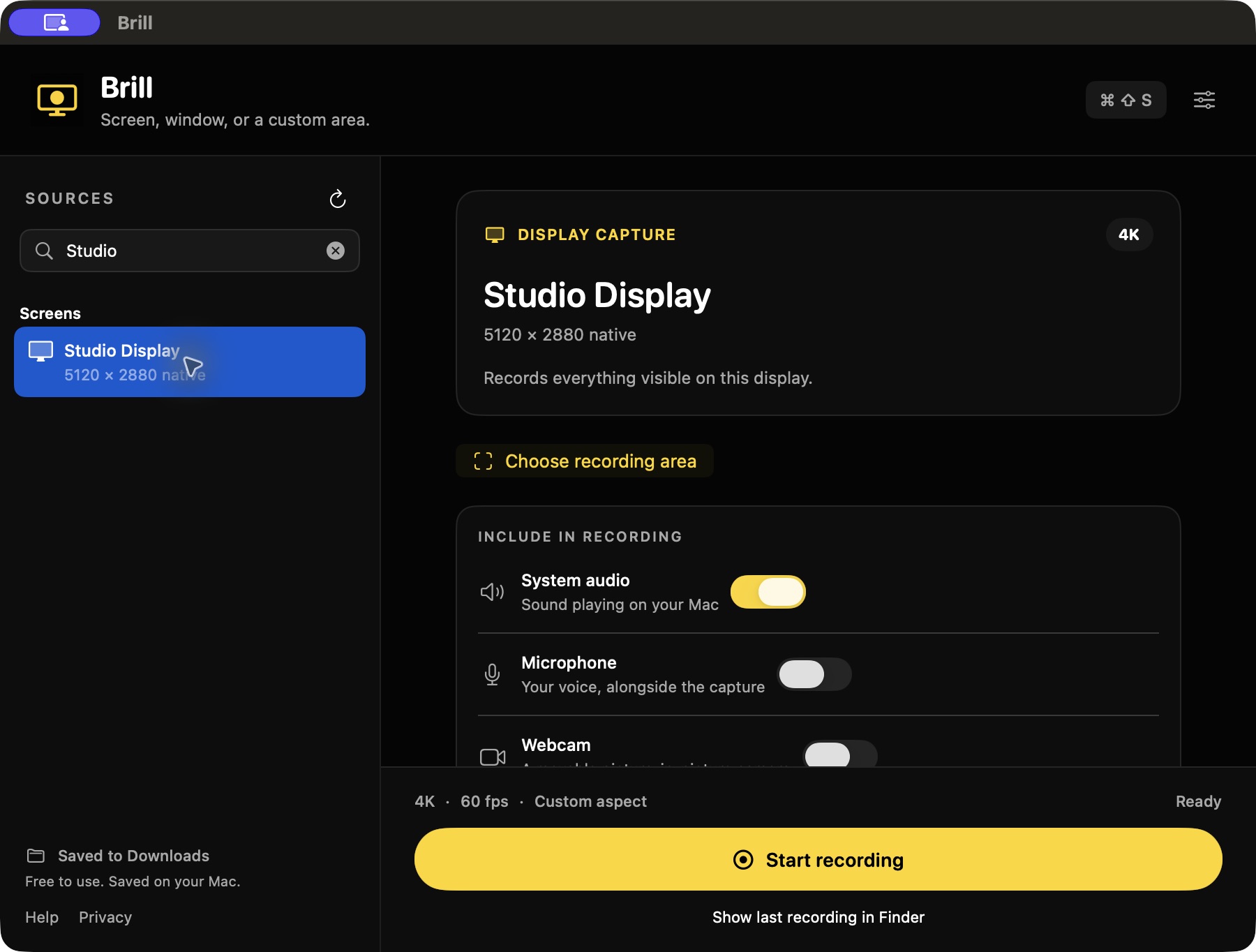
4K and 1080p presets, or your display's native resolution. Choose 30 or 60 fps where supported.
Record system audio directly. Mix in your microphone for a walkthrough. No extra audio-routing driver.
Add a movable, resizable webcam picture-in-picture to screen or area recordings. Choose from seven camera looks.
4K capture needs enough pixels in the selected source. Actual frame rate depends on your Mac and the scene. Sharing platforms may resize or recompress your upload.
02 / Frame it your way
Keep a crop attached to one window, or record whatever appears inside a desktop area. Save custom sections for next time.
Floating controls stay out of the recording. Pause, resume, then save one finished video.
Open setup with a global shortcut. Adjust the frame, then start instantly or use a 2- or 5-second countdown.
Free, widescreen, square, or portrait crops. Vertical, Share, Game, and Small presets when the destination calls for them.
03 / Keep the file
Free.
No subscription, account, watermark, or cloud upload. Stop recording and your MP4 lands in Downloads.
Built for macOS 15 and later.
Mac App Store release in preparation.
A few useful answers
For a source with enough rendered pixels, 3840 × 2160 gives you four times the pixel count of 1920 × 1080. That leaves more detail for a high-resolution master, a crop, or a later edit. It does not invent detail that the source never rendered.
Keep your original MP4. Social platforms control their own upload limits, playback resolution, and compression. Brill gives you a local master and a smaller Share preset; it cannot control what a platform does afterward.
Performance depends on the Mac, display, source frame rate, and scene complexity. For one app, try window capture. Use 30 fps or the 1080p Game preset when you need more rendering headroom. A recorder cannot recover frames the scene did not render.
Yes. Enable System audio to include sound from the selected capture. Window capture records that app's audio; screen and area capture can include system sound. Microphone audio is optional. Protected content may restrict capture.
Brill puts resolution, frame rate, system audio, microphone, picture-in-picture, saved areas, and output presets in one free app. Apple's built-in recorder also supports system audio in macOS 27 and later; Brill supports macOS 15 and later. Apple's current guide ↗
The Mac App Store release is in preparation. A store link will appear here when it is available. There is no paid plan or waitlist to join.
The 3D showcase is a deterministic render of a Three.js experience. Interface footage shows the actual Brill app. The film illustrates the features and the kind of work Brill is made for; it is not a recording benchmark or a comparison with another recorder.